Crisis communication via SMS — everyone reached in minutes
When something goes wrong, every minute counts. An SMS needs no app, no internet connection and no installation and arrives on every device — even when your intranet, mail server or wifi is precisely the problem. Priority routing over direct Belgian operator connections, with a delivery status per recipient.
Why SMS is the channel that keeps working
Every alerting channel has a dependency. An app needs a smartphone, an installation and an internet connection; email requires a working mail server and someone who opens their inbox; a call round costs minutes per person. SMS has the shortest chain — and that is exactly what counts at the moment something fails.
| Channel | Works without internet | Installation required | Reach of the whole group |
|---|---|---|---|
| SMS | Yes | None | A few minutes |
| Alerting app | No | App per device | A few minutes, provided it's installed |
| No | None | Unpredictable — only when opened | |
| Call round | Yes | None | Minutes per person |
With large volumes, messages are processed in parallel, so the last recipient isn't served substantially later than the first.
Who uses SMS alerting?
Companies & manufacturing
An evacuation, a technical incident or an urgent call-out of the response team.
Municipalities & government
Flooding, road closures, contamination or a service interruption.
Schools
A lockdown, a canceled trip or a short-notice closure.
Healthcare
Scaling up staff, an on-call request or an internal emergency.
IT & infrastructure
An outage that needs to wake the on-call team — even when email is down.
Associations & clubs
A canceled match, a rescheduled activity or an urgent call to volunteers.
Setting up your alert in 4 steps
Create groups
Divide your contacts into groups per role or site — response team, management, all employees — in the online phone book.
Prepare standard texts
Write a short text per scenario and save it as a fixed message, so you don't have to draft anything during an incident.
Arrange access
Give the people who are allowed to raise the alarm their own subaccount, so one person with one password isn't the bottleneck.
Test yearly
Run at least one test alert per year and check the delivery reports as well as how up to date your number list is.
Knowing who you reached
Alerting is half the job; knowing who was reached is the other half. Every message gets an individual delivery status, so after sending you see exactly who received the message and who didn't — and therefore who you still need to contact personally.
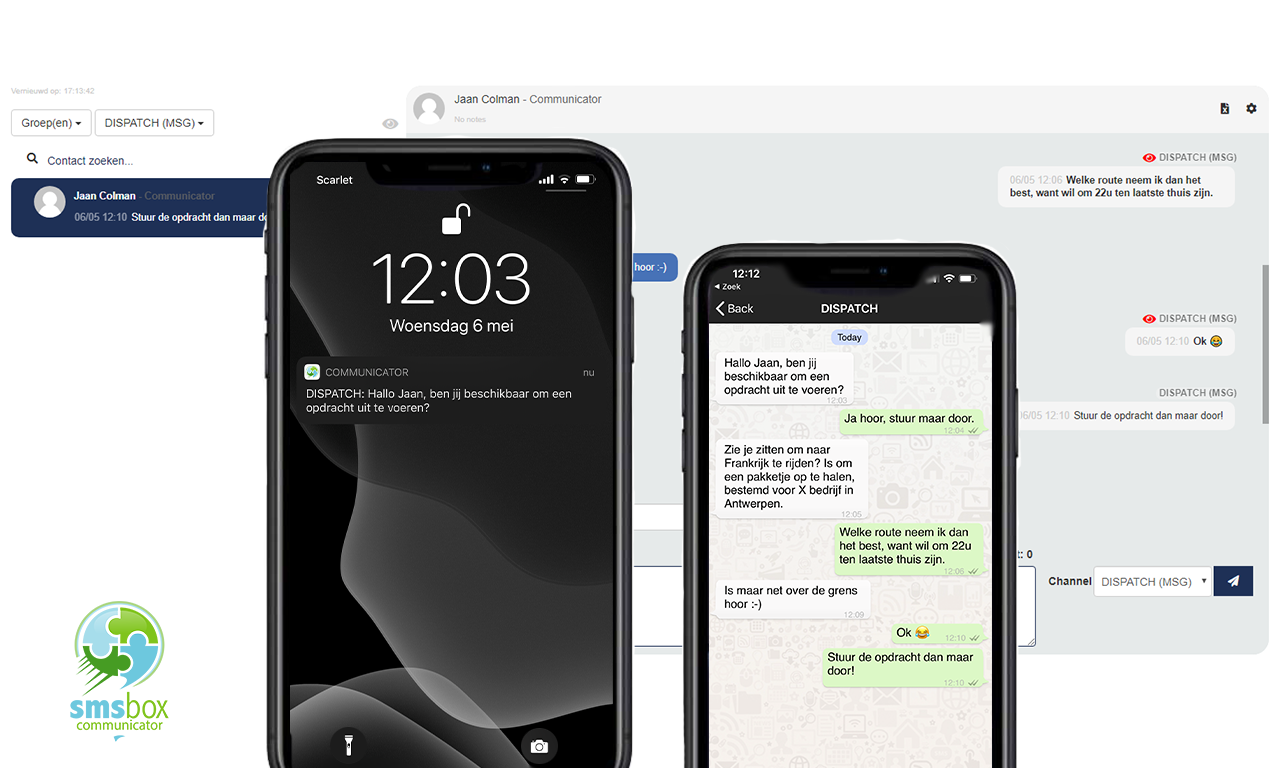
If you send from a virtual number or from our shared shortcode, people can also reply. That way you ask for a confirmation ("reply YES if you can come") and the responses appear in your dashboard — or automatically in your own system via a webhook.

Standing by costs nothing here
Hopefully you rarely use an alerting system. At SMSBOX you don't pay for that either: there is no subscription and no standby cost. You buy credits and only consume them when you actually send. Credits stay valid for a year, which suits a system that can sit idle for months.