Appointment reminder by SMS — fewer no-shows
A forgotten appointment costs you an empty slot you will no longer fill. A short SMS reminder a day in advance brings the appointment back to mind and gives the recipient the chance to let you know in time, so the slot can still go to someone else. From €0.06 per message, without a subscription.
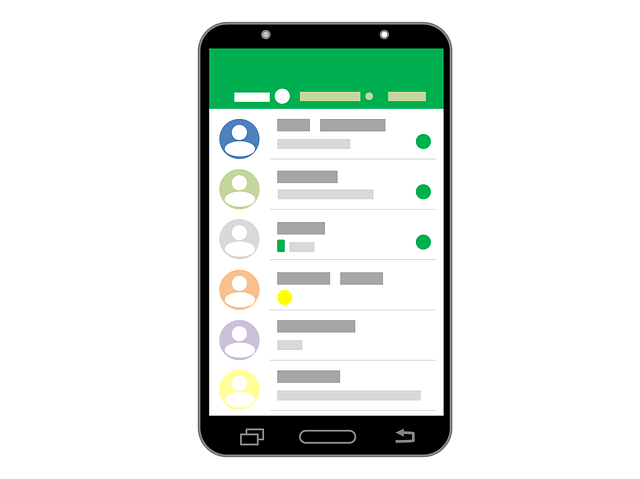
Why an SMS and not an email or a phone call?
Someone who forgets an appointment usually did not ignore it on purpose — they simply stopped thinking about it. The reminder therefore has to arrive somewhere it is certain to be seen, at a moment when it still matters.
| Channel | Is it seen? | Cost per reminder | Work for you |
|---|---|---|---|
| SMS | Almost always, usually within minutes | From €0.06 | Set up once, automatic afterwards |
| Uncertain — lost among other mail or in spam | Negligible | Set up once, automatic afterwards | |
| Telephone | Only if someone picks up | A few minutes of staff time | Calling for every appointment separately |
In most practices a single avoided no-show outweighs hundreds of reminders sent. That makes the sum a simple one.
Setting up appointment reminders in 4 steps
Write the text
Write a short reminder with the date, time, location and what the recipient should do if they cannot make it. Save it as a standard message.
Choose the moment
Decide how many hours in advance the reminder should go out; in practice 24 to 48 hours works best.
Supply the appointments
Export the day's appointments from your calendar to Excel, or let your scheduling software pass them on via the API.
Send them out
Schedule the sending and follow the delivery status of every message. Replies and cancellations arrive in your dashboard.
What do you put in the message?
Practice or consulting room
Doctor, dentist, physiotherapist or specialist: date, time and the request to give notice in time.
Garage or body shop
Servicing, inspection or a tyre change — stating what the customer needs to bring along.
Salon or treatment room
Hairdresser, beauty salon or massage practice, where an empty hour is an immediate loss of revenue.
Office or advisory meeting
Notary, accountant, estate agent or bank — often with documents that need to be brought along.
Technician on site
Installation or repair, where a closed door costs a call-out.
Training or session
Courses, parent meetings and group sessions where attendance has to be known in advance.
Do not add advertising to a reminder. As soon as it contains an offer, the message becomes a commercial communication and different rules apply — see the guide to SMS marketing.
Three ways to keep it running
Daily from Excel. In the morning, export the appointments for the day after tomorrow from your calendar, upload the file and send. Five minutes of work a day, without any integration.
Straight away when booking. Schedule the reminder at the moment you set the appointment. It is then ready and goes out by itself at the right time; canceling remains possible until just before.
Fully automatic via the API. If your scheduling software supports an integration, it passes the appointments on itself and no manual action is needed at all. If your system can only send email, Mail2SMS works just as well.

Let people reply
A reminder that cannot be answered misses half of its purpose. Anyone who cannot come should be able to say so at the touch of a button — then you can still fill the slot. If you send from a virtual number or from our shared shortcode, replies arrive in your dashboard — and, if you wish, automatically in your own system or mailbox via a webhook.