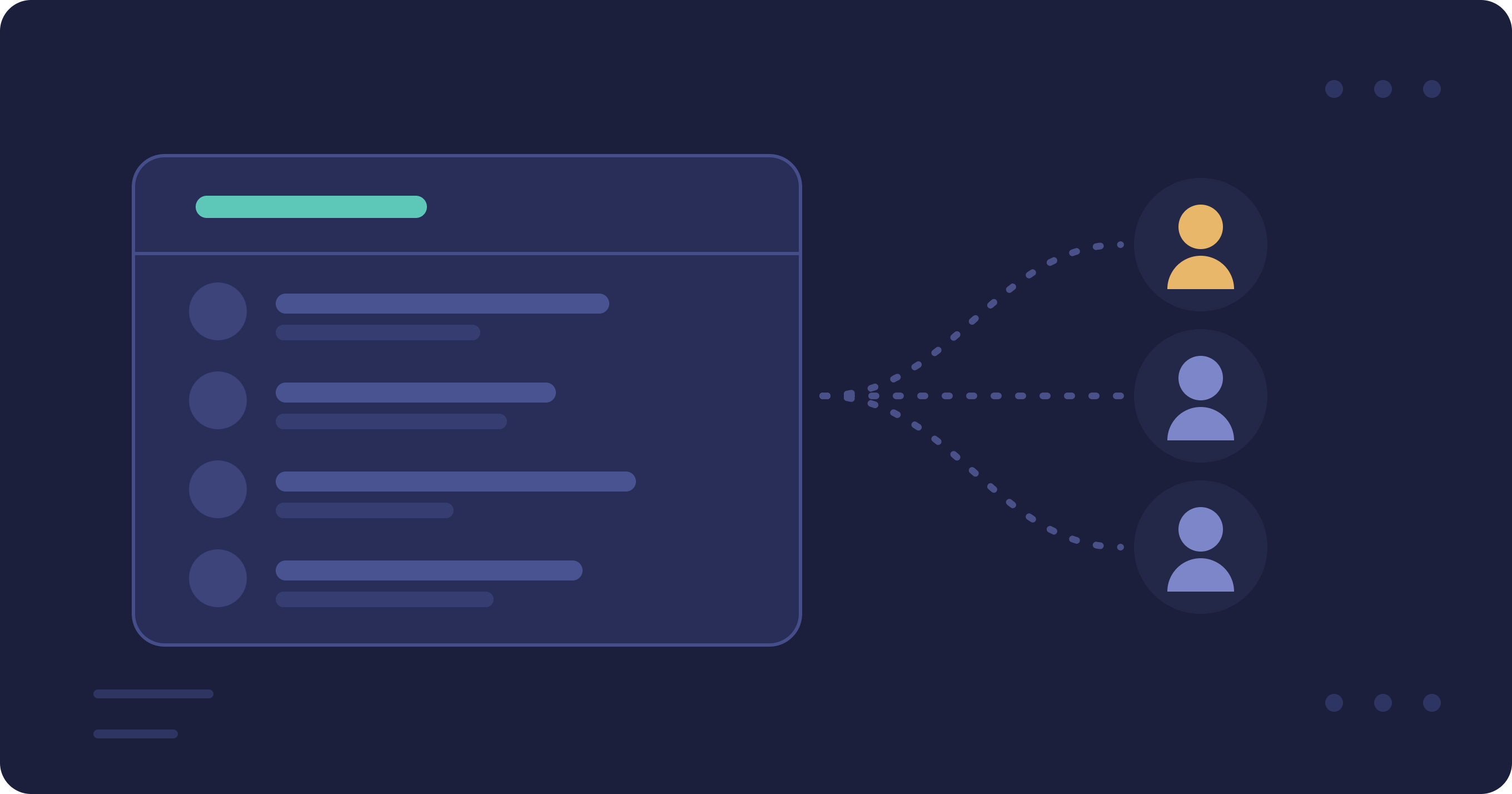
Shared phonebook for subusers
You can now share your phonebook with your subusers. One central contact list for your whole team, instead of maintaining the same contacts and groups separately for everyone.
How does it work?
In the customer portal under Users, switch on the Share phonebook option for a subuser. From then on they see your contacts and groups instead of their own phonebook — when sending SMS, in the communicator and through the API.
The benefits
- One source of truth — contacts and groups are managed in one place
- Read-only for the subuser — they can send to your contacts and groups, but not change or delete them
- Configurable per subuser — share the phonebook only with those who need it
- Automatically current — contacts that arrive through the Azure / Entra ID synchronisation are immediately available to the whole team as well
Want to know more, or need help setting it up? Feel free to get in touch.
